Settings
Turn AI tools on or off, manage the dev server list, start Devbar at login, and check for updates.
Choose Settings… in the menu, or press ⌘, while the menu is open.
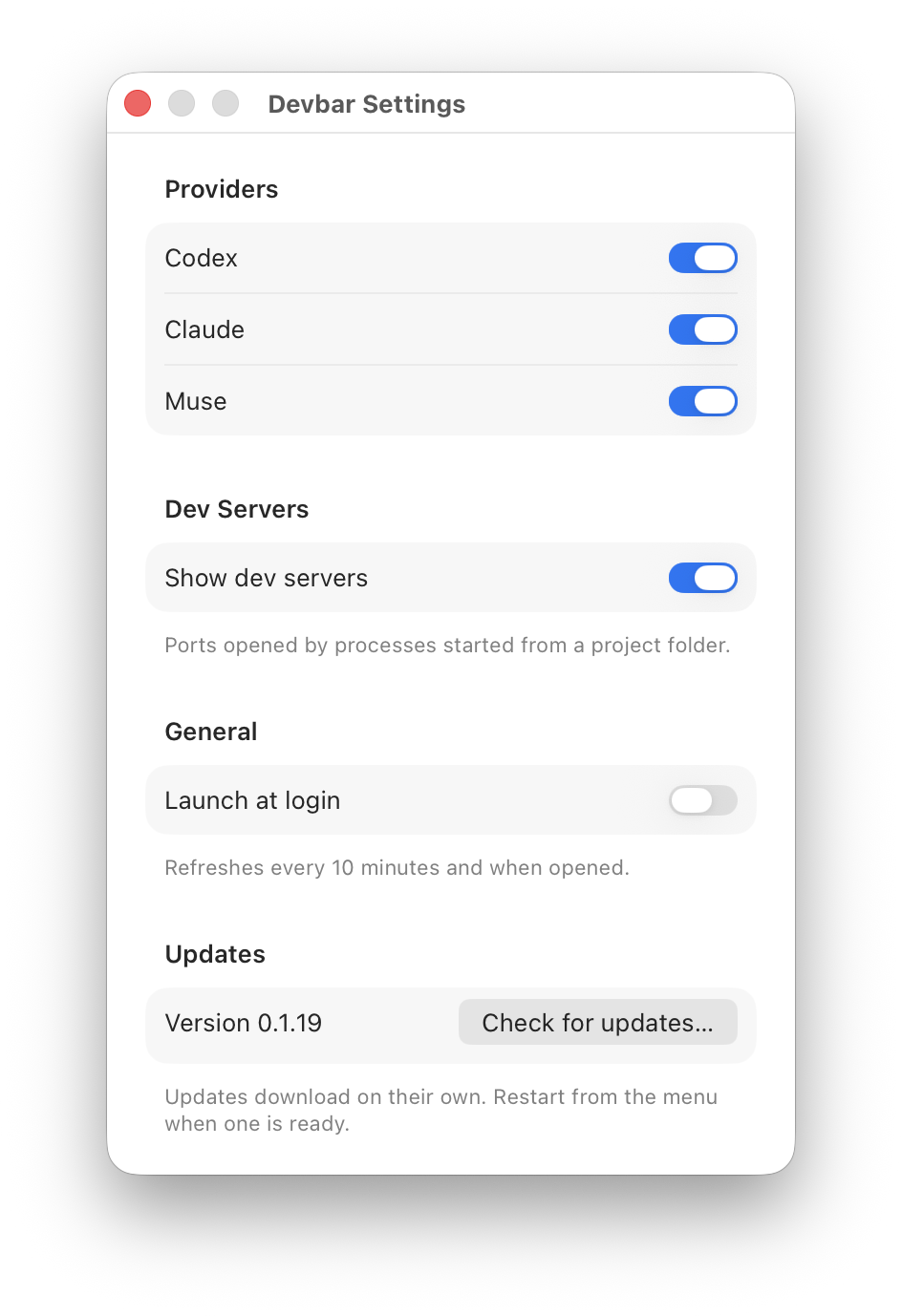
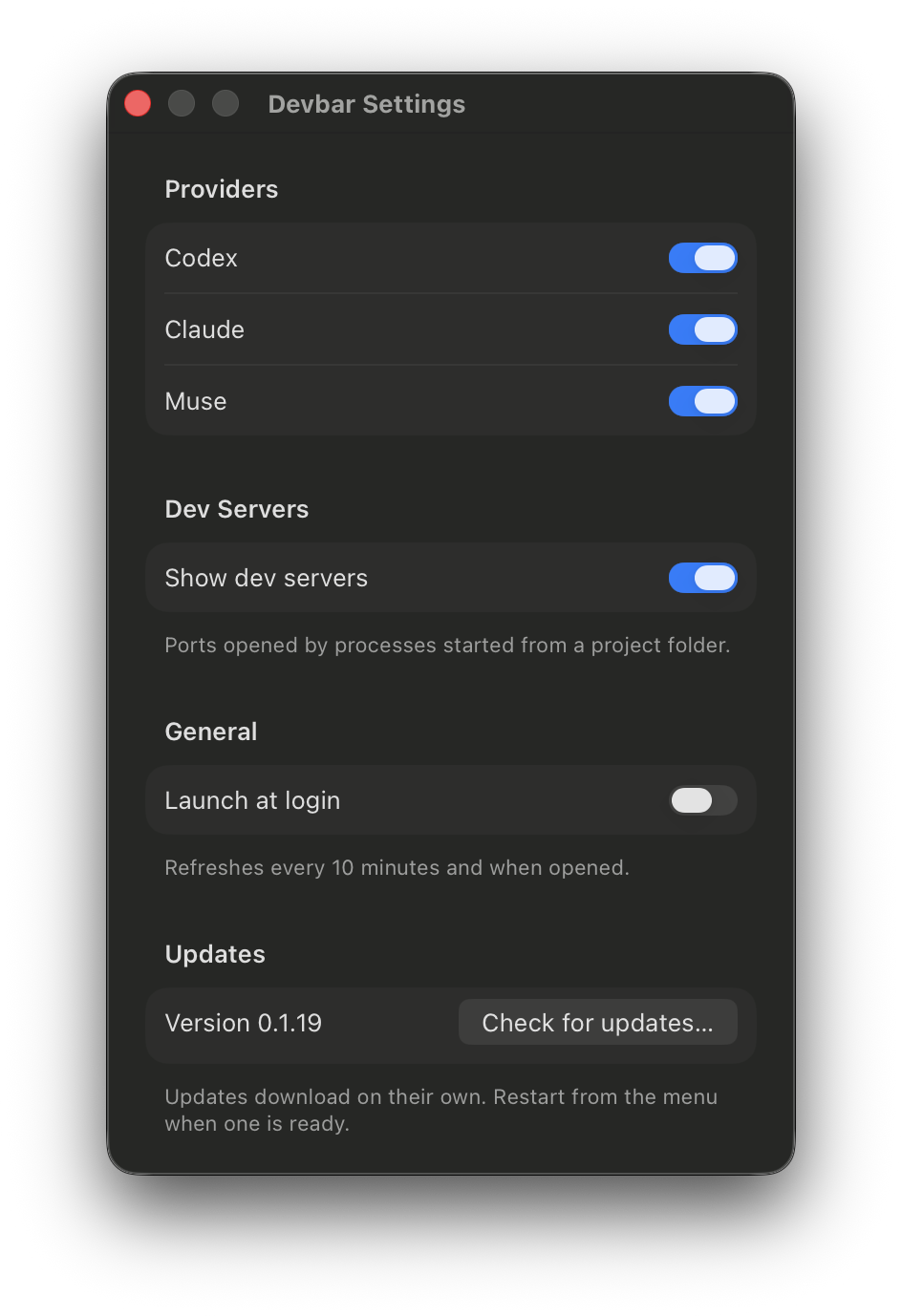
| Section | What’s there |
|---|---|
| Providers | A switch for Codex, Claude, and Muse. A tool that’s off isn’t shown or checked. |
| Dev Servers | Show dev servers, plus any process names you’ve hidden. Show All brings them back. |
| General | Launch at login. If macOS needs you to approve it, a button opens Login Items. |
| Updates | The version you’re running and Check for updates…. |
Where settings are stored
Settings are saved in Devbar’s user defaults (com.praveenjuge.devbar), under these keys:
| Key | Holds |
|---|---|
provider.<id>.enabled |
Whether each AI tool is on |
devServers.enabled |
Whether the dev server list is shown |
devServers.hidden |
Hidden process names |
camera.knownApps |
Apps the Camera menu has seen |
worktrees.sort |
How the Worktrees window sorts |
worktrees.collapsedRepositories |
Collapsed repository sections |
worktrees.deleteMergedBranches |
Whether deleting a worktree also deletes its merged branch |