Your dev tools, one click away in the menu bar
AI quota, running dev servers, and git worktree cleanup in one small native app.
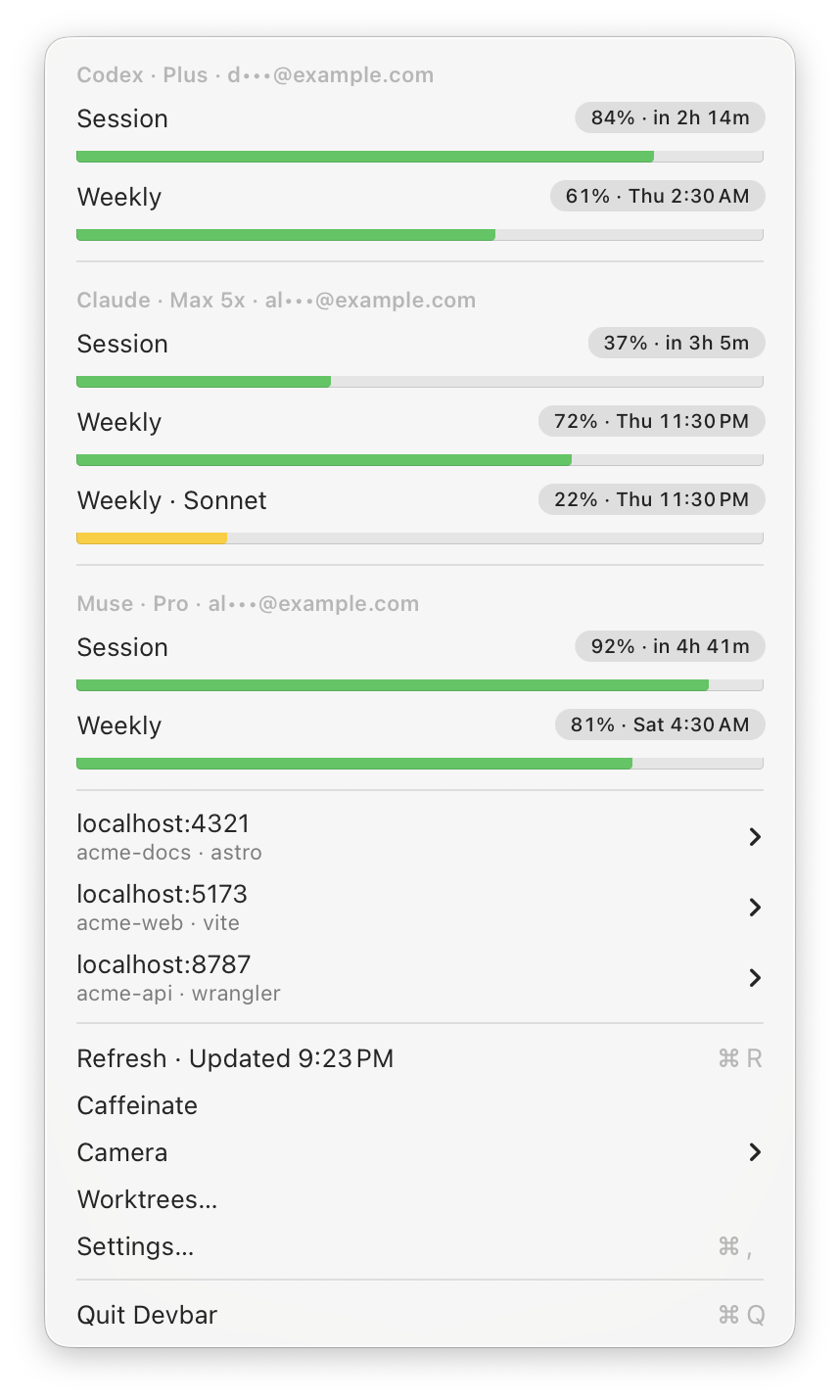
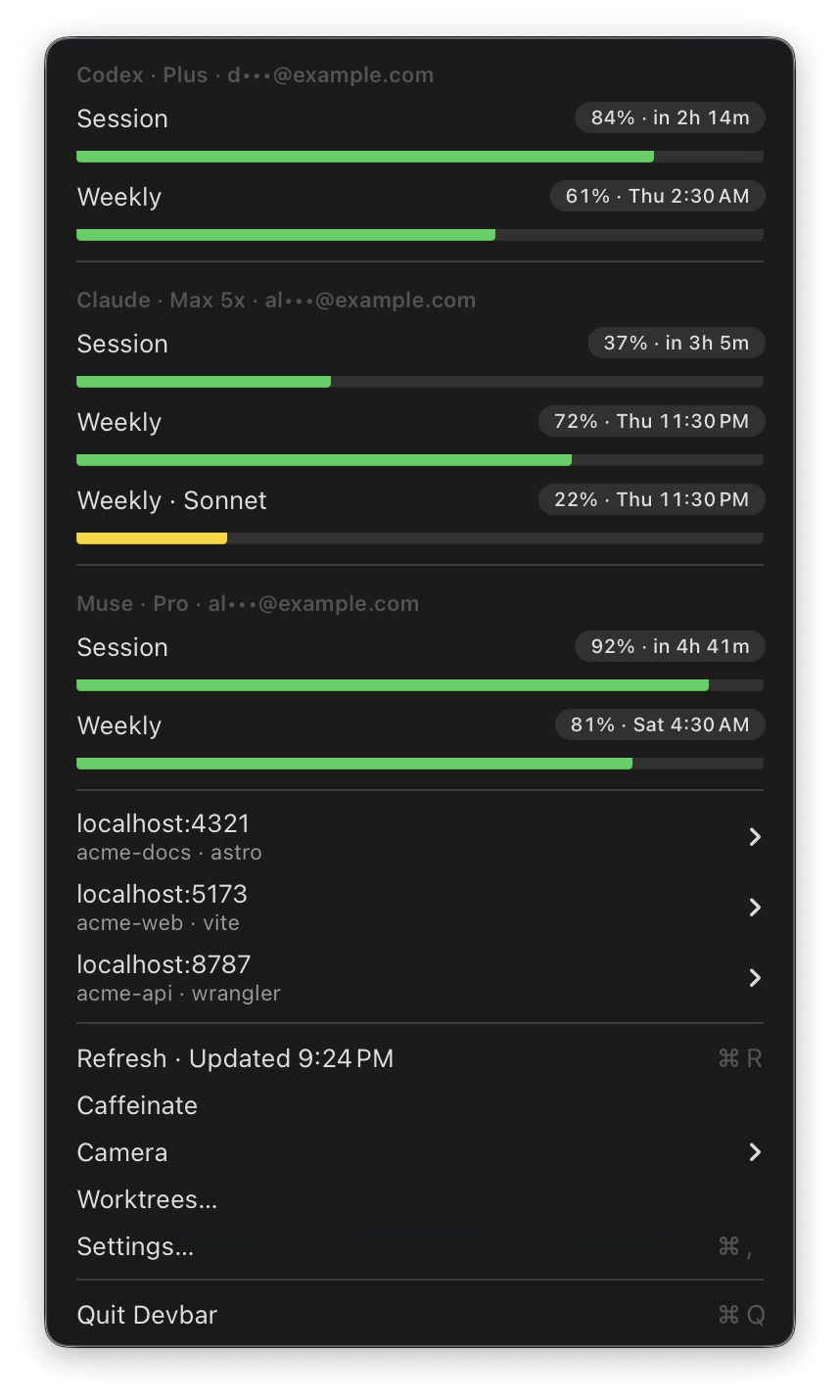
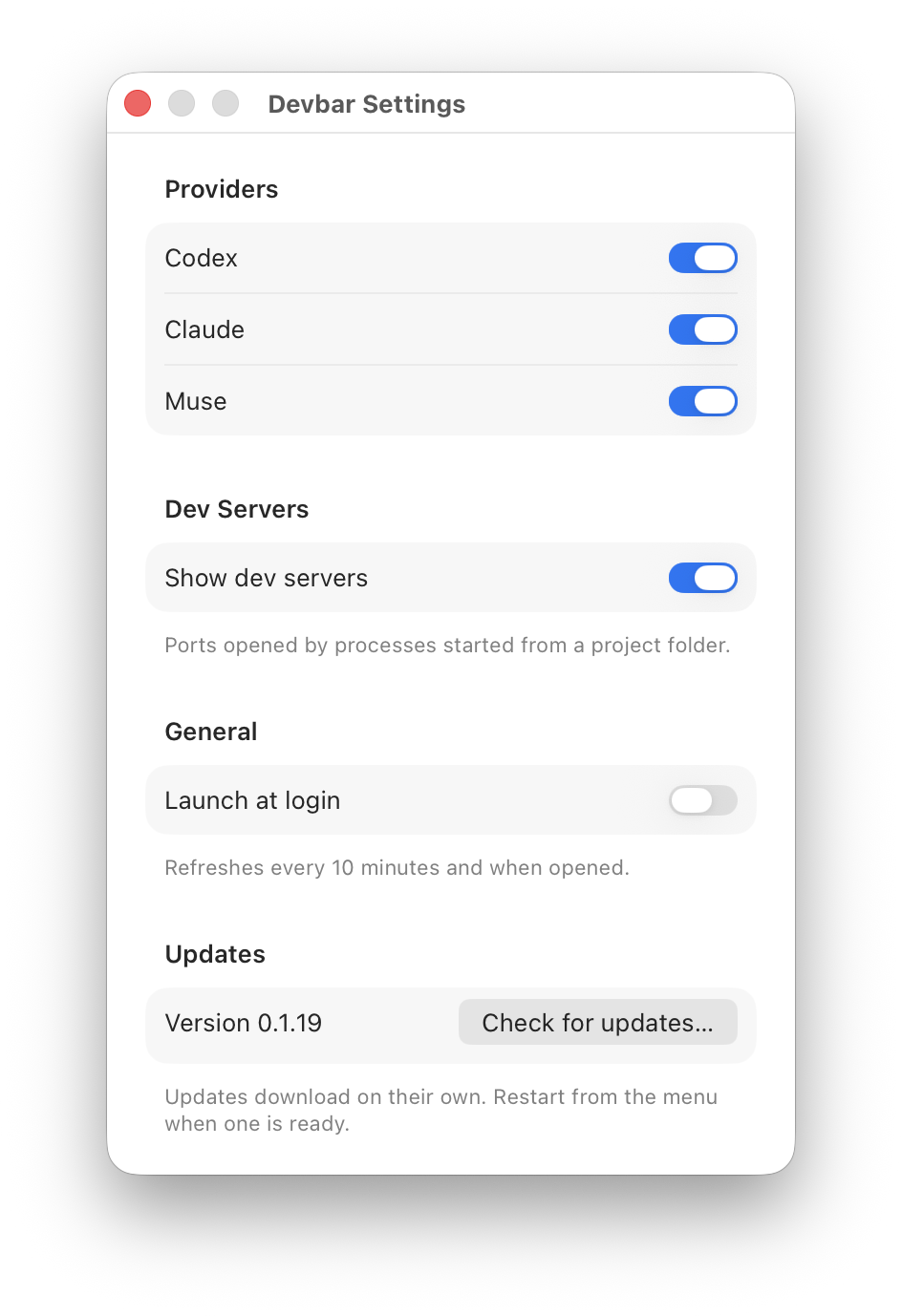
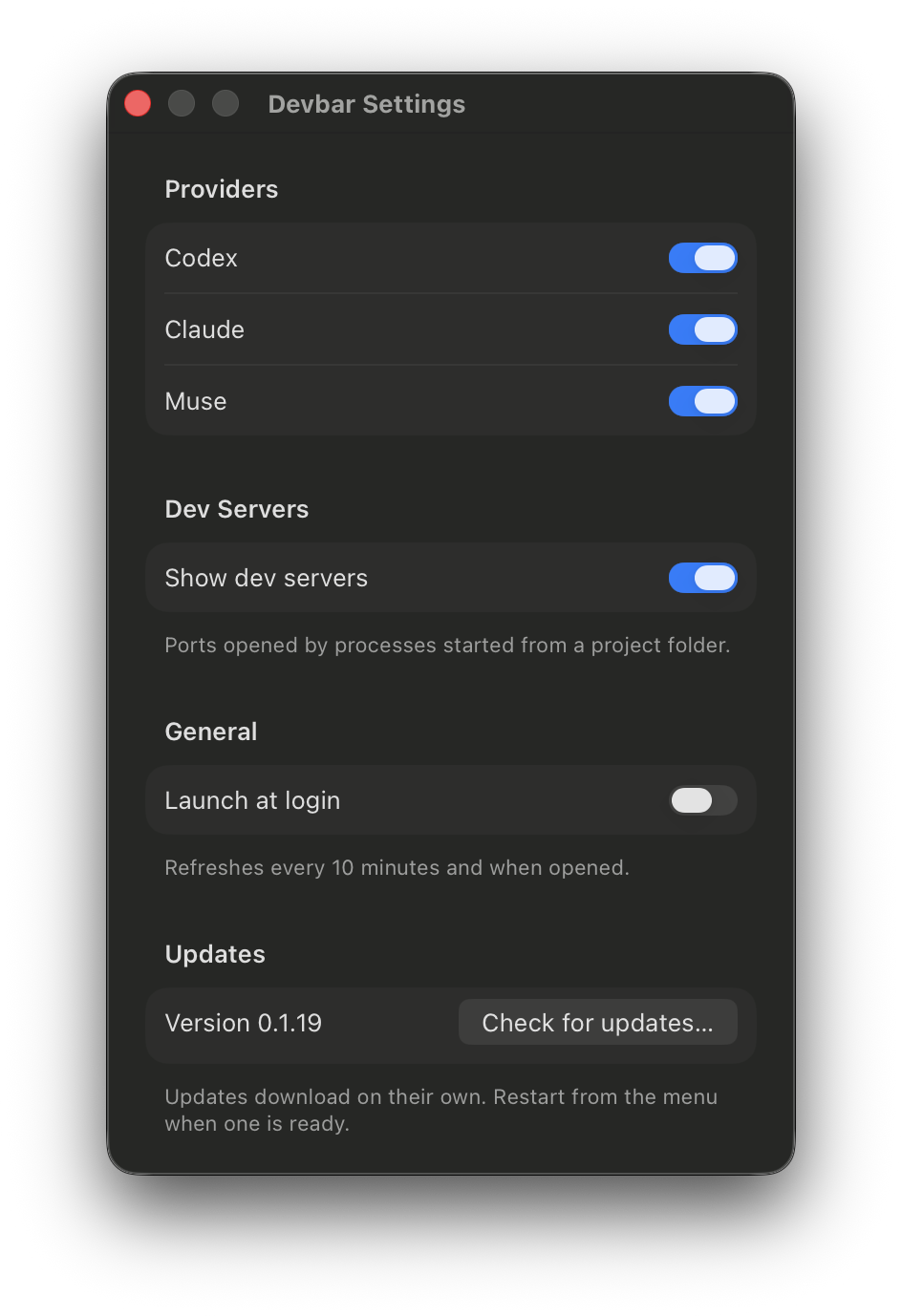
Everything in one menu
AI quota
Codex, Claude, and Muse limits, and when they reset.
Dev servers
Every port your projects listen on. Open, copy, or stop.
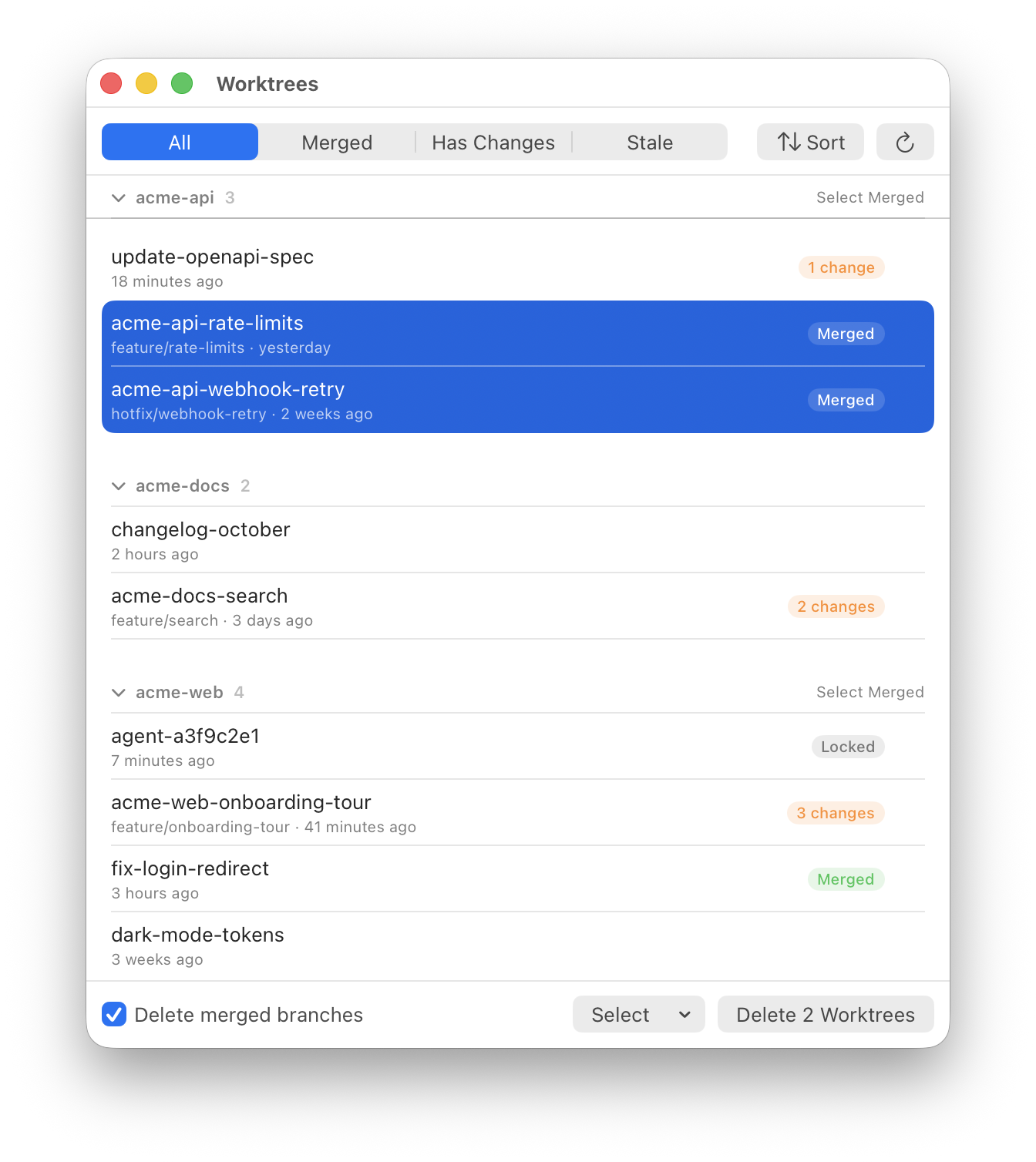
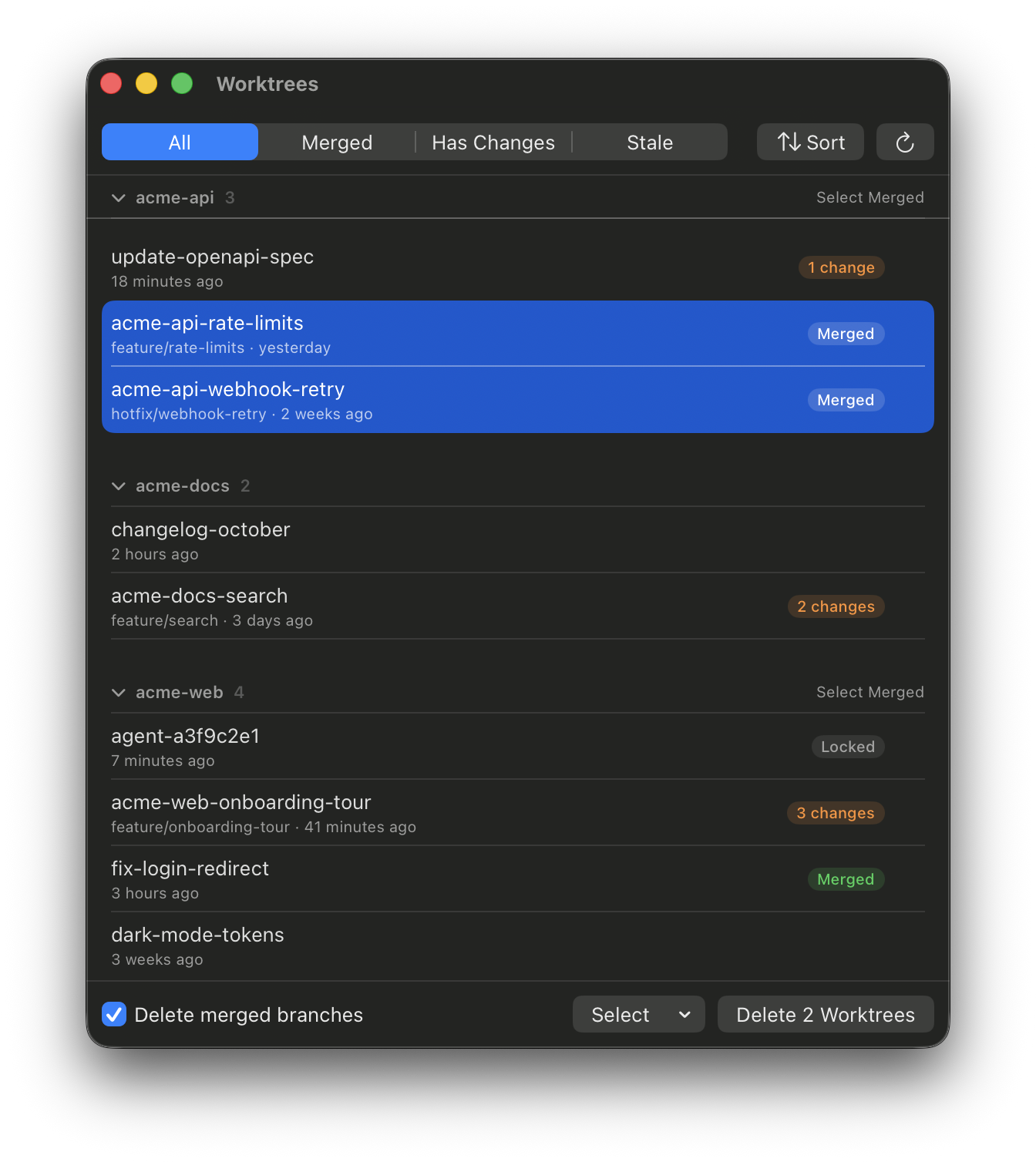
Worktrees
Find merged and stale worktrees, then delete them safely.
Camera
Take camera access back from any app in one click.
Caffeinate
Keep the display awake during a long build.
Updates
Signed updates that download in the background.
Up and running in a minute
Download
Get the .dmg from the latest release.
Open it
Drag Devbar to Applications and open it. It’s signed and notarized.
Click the gauge
Find the icon in your menu bar. Your quota and dev servers are already there.
Questions
Do I need to sign in to anything?
No. Devbar reuses the logins your Codex CLI, Claude Code, and Muse already saved, and only reads them.
Does it work on Intel Macs?
Not yet. Releases are built for Apple Silicon and need macOS 14 or later.
Can deleting worktrees lose my work?
Devbar always asks first, and it warns you when a worktree has uncommitted changes or is locked by an agent.
Does it collect any data?
No. There’s no account and no analytics. See exactly what it reads.