---
title: Skills
description: See every agent skill installed on your Mac, which agents load it, and find duplicates, broken links, and skills that need fixing.
sidebar:
icon: sparkles
---
Coding agents load skills from several folders, and the same skill often ends up in more than one. Choose **Skills…** in the menu to open a window that lists every skill in your home folder, which agents load it, and how big it is.
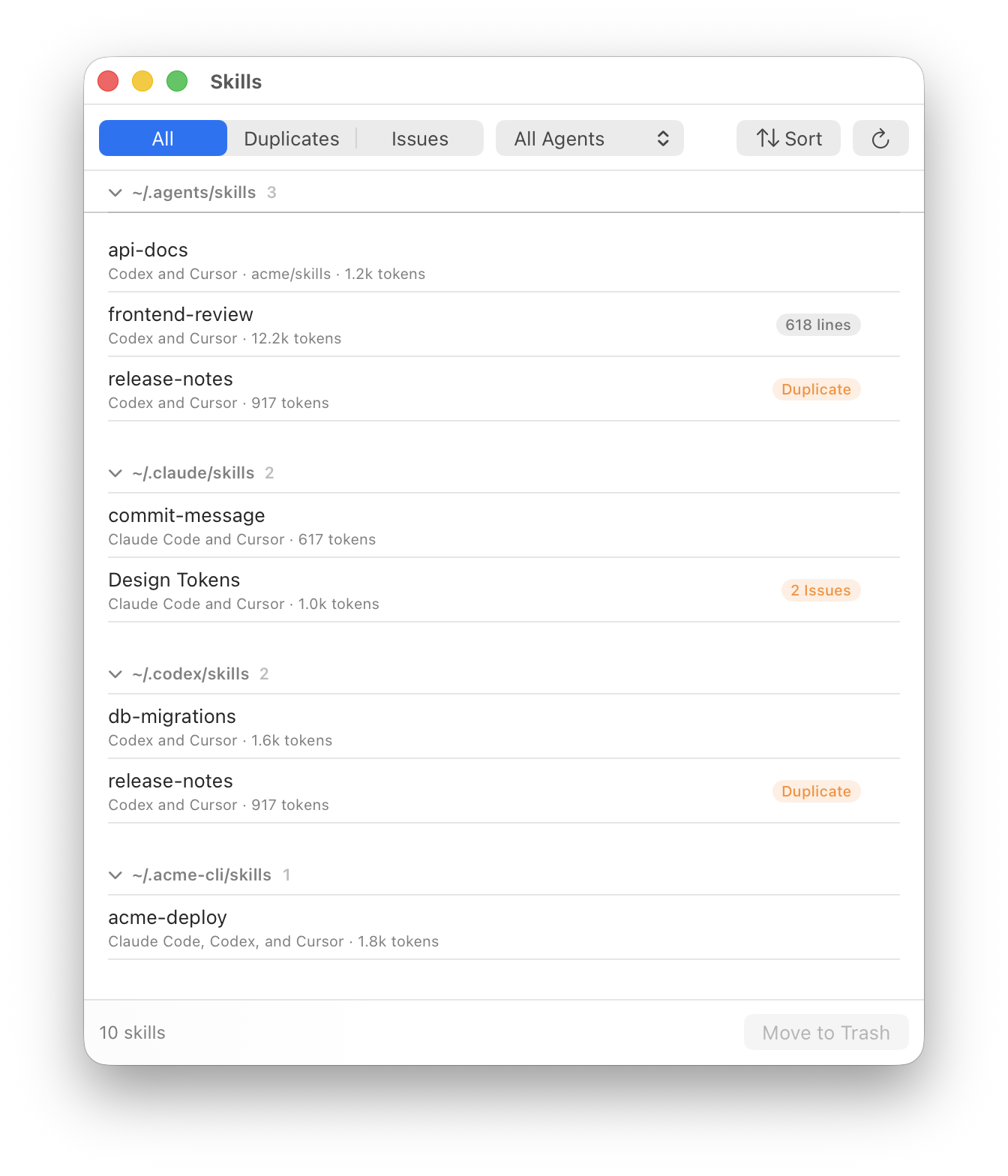
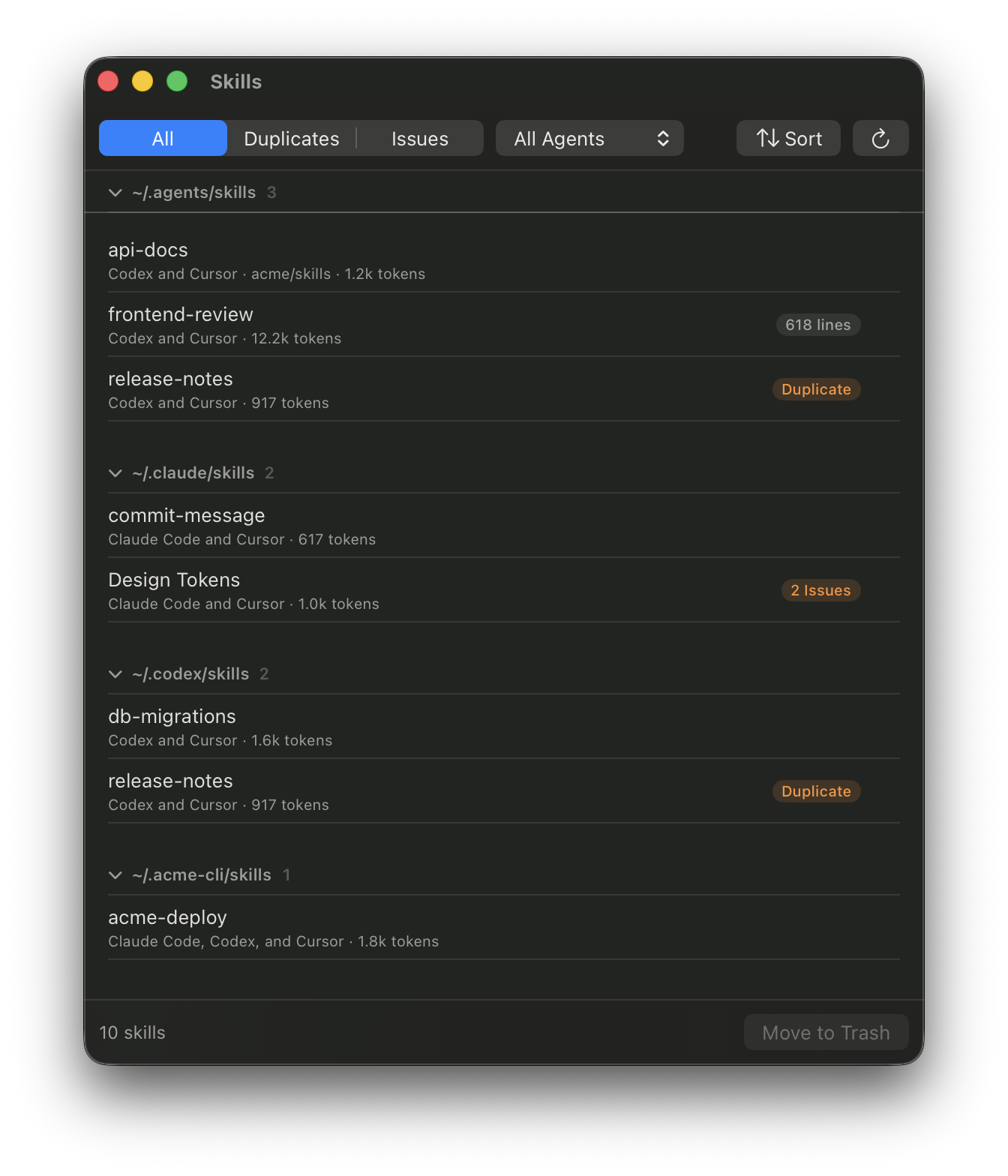 The Skills window.
## Where Devbar looks
Devbar scans only while the window is open, and again each time you open it. It reads the global skill folders that each agent documents:
| Folder | Loaded by |
| --- | --- |
| `~/.claude/skills` | Claude Code, Cursor, OpenCode |
| `~/.agents/skills` | Codex, Cursor, Copilot, Gemini CLI, OpenCode |
| `~/.codex/skills` | Codex, Cursor |
| `~/.cursor/skills`, `~/.copilot/skills`, `~/.gemini/skills`, `~/.config/opencode/skills` | That agent |
It also lists the skills Claude Code syncs from your claude.ai account, skills in Claude Code plugins you've turned on, and the skills built into Codex. An agent only shows up once its own settings folder exists, such as `~/.cursor` for Cursor.
A skill linked into several folders is one row, so you see where its files really live and every agent that loads it. Skills that another app installed and links in, like a CLI's own skills, are grouped under that app's folder.
## What each row shows
Each row shows the agents that load the skill, the repository it came from when you installed it with `npx skills`, and roughly how many tokens its `SKILL.md` takes when an agent uses it. Hover a row for its description and every path it's reachable from.
| Pill | Meaning |
| --- | --- |
| **Duplicate** | Another folder has the same files under the same name. |
| **Differs** | Another skill has the same name but different files, so agents may load a different version than you expect. |
| **618 lines** | `SKILL.md` is over 500 lines. Moving detail into separate files keeps it quick to load. |
| **2 Issues** | The front matter breaks the [Agent Skills spec](https://agentskills.io/specification): no description, a description over 1,024 characters, or a name that doesn't match its folder or isn't lowercase letters, numbers, and hyphens. Hover to see which. |
| **Broken Link** | A link in a skill folder points to a folder that's gone. |
## Filter and sort
The bar at the top filters to **All**, **Duplicates**, or **Issues**. **Duplicates** groups copies by name, so you can compare them side by side. Pick an agent to see only the skills it loads; the bottom bar then shows about how many tokens of skill descriptions that agent keeps in context in every session.
Sort by name, size, or when `SKILL.md` last changed, and press ⌘R to scan again. Click a section's header to collapse it. Press Space to preview `SKILL.md` with Quick Look, or double-click a row to open it in its default app.
## Moving to the Trash
Select skills and use **Move to Trash**, ⌘⌫, the trash button that shows on hover, or right-click for **Open SKILL.md**, **Show in Finder**, **Copy Path**, and **Move to Trash…**. Devbar always asks first, and everything goes to the Trash, so you can put it back.
- A skill in one of the skill folders moves to the Trash along with every link to it.
- For a skill another app keeps elsewhere, only the links in your skill folders move. The app's own files stay.
- Skills synced from claude.ai, plugin skills, and skills built into Codex can't be removed here, since their apps add them back.
Agents pick up the change the next time they start.
The Skills window.
## Where Devbar looks
Devbar scans only while the window is open, and again each time you open it. It reads the global skill folders that each agent documents:
| Folder | Loaded by |
| --- | --- |
| `~/.claude/skills` | Claude Code, Cursor, OpenCode |
| `~/.agents/skills` | Codex, Cursor, Copilot, Gemini CLI, OpenCode |
| `~/.codex/skills` | Codex, Cursor |
| `~/.cursor/skills`, `~/.copilot/skills`, `~/.gemini/skills`, `~/.config/opencode/skills` | That agent |
It also lists the skills Claude Code syncs from your claude.ai account, skills in Claude Code plugins you've turned on, and the skills built into Codex. An agent only shows up once its own settings folder exists, such as `~/.cursor` for Cursor.
A skill linked into several folders is one row, so you see where its files really live and every agent that loads it. Skills that another app installed and links in, like a CLI's own skills, are grouped under that app's folder.
## What each row shows
Each row shows the agents that load the skill, the repository it came from when you installed it with `npx skills`, and roughly how many tokens its `SKILL.md` takes when an agent uses it. Hover a row for its description and every path it's reachable from.
| Pill | Meaning |
| --- | --- |
| **Duplicate** | Another folder has the same files under the same name. |
| **Differs** | Another skill has the same name but different files, so agents may load a different version than you expect. |
| **618 lines** | `SKILL.md` is over 500 lines. Moving detail into separate files keeps it quick to load. |
| **2 Issues** | The front matter breaks the [Agent Skills spec](https://agentskills.io/specification): no description, a description over 1,024 characters, or a name that doesn't match its folder or isn't lowercase letters, numbers, and hyphens. Hover to see which. |
| **Broken Link** | A link in a skill folder points to a folder that's gone. |
## Filter and sort
The bar at the top filters to **All**, **Duplicates**, or **Issues**. **Duplicates** groups copies by name, so you can compare them side by side. Pick an agent to see only the skills it loads; the bottom bar then shows about how many tokens of skill descriptions that agent keeps in context in every session.
Sort by name, size, or when `SKILL.md` last changed, and press ⌘R to scan again. Click a section's header to collapse it. Press Space to preview `SKILL.md` with Quick Look, or double-click a row to open it in its default app.
## Moving to the Trash
Select skills and use **Move to Trash**, ⌘⌫, the trash button that shows on hover, or right-click for **Open SKILL.md**, **Show in Finder**, **Copy Path**, and **Move to Trash…**. Devbar always asks first, and everything goes to the Trash, so you can put it back.
- A skill in one of the skill folders moves to the Trash along with every link to it.
- For a skill another app keeps elsewhere, only the links in your skill folders move. The app's own files stay.
- Skills synced from claude.ai, plugin skills, and skills built into Codex can't be removed here, since their apps add them back.
Agents pick up the change the next time they start.